
Using Snapchat's current My Data export
Select the full My Data folder
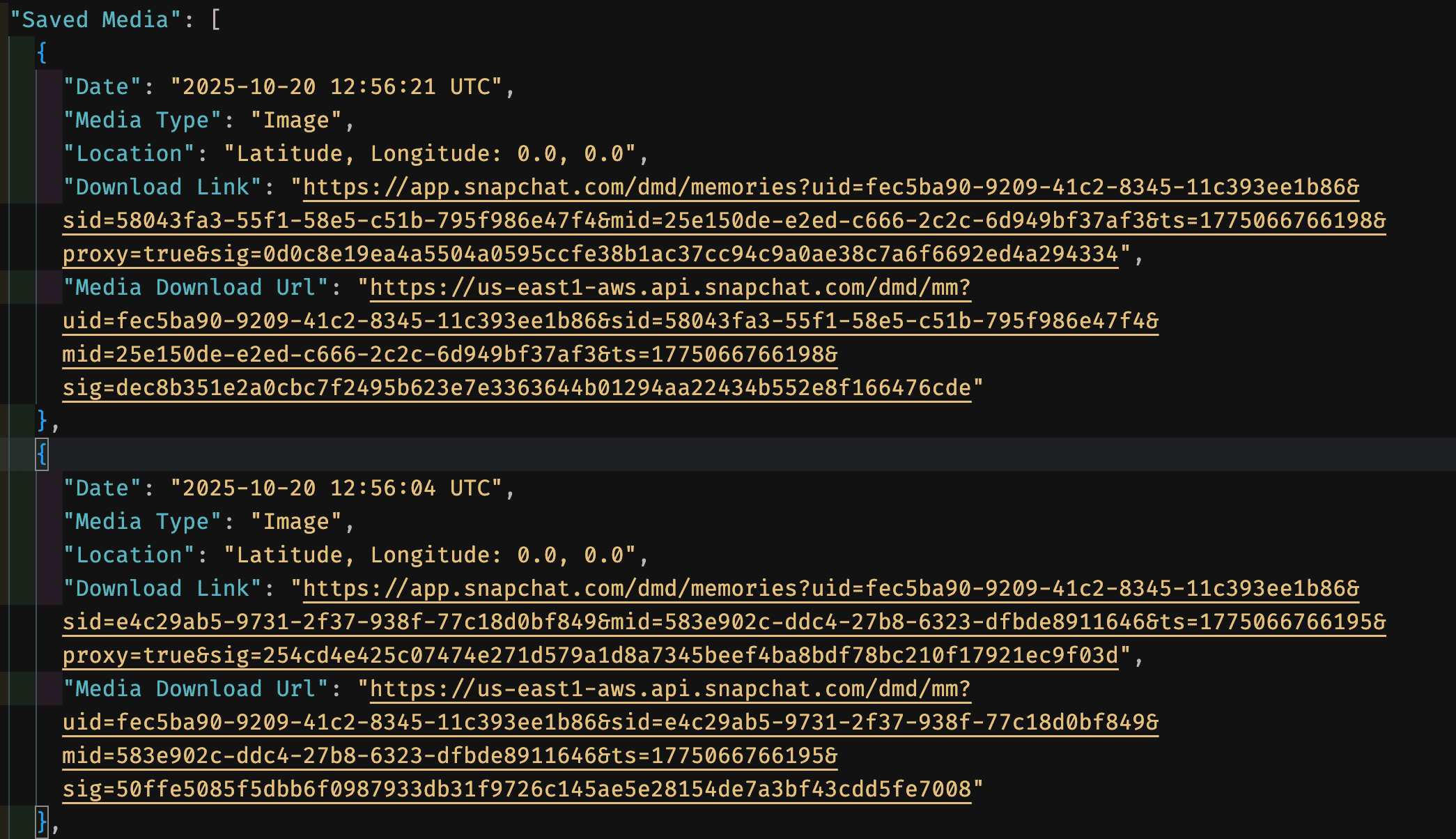
FixMyExport supports Snapchat exports without media download URLs by processing the extracted local media. Download every ZIP, combine the memories folders as shown in How It Works, and select the primary My Data folder.
Do not upload memories_history.json alone
The current FixMyExport flow does not use a standalone JSON upload or download media from Snapchat URLs. Choose the entire primary My Data folder containing the json and memories folders.