Export your Snapchat Memories in 3 simple steps: download your data from Snapchat, select your primary folder in our app, and get photos with the right dates and GPS.
First, request your complete Snapchat data export including memories_history.json. This process takes 24-48 hours for Snapchat to prepare your files.
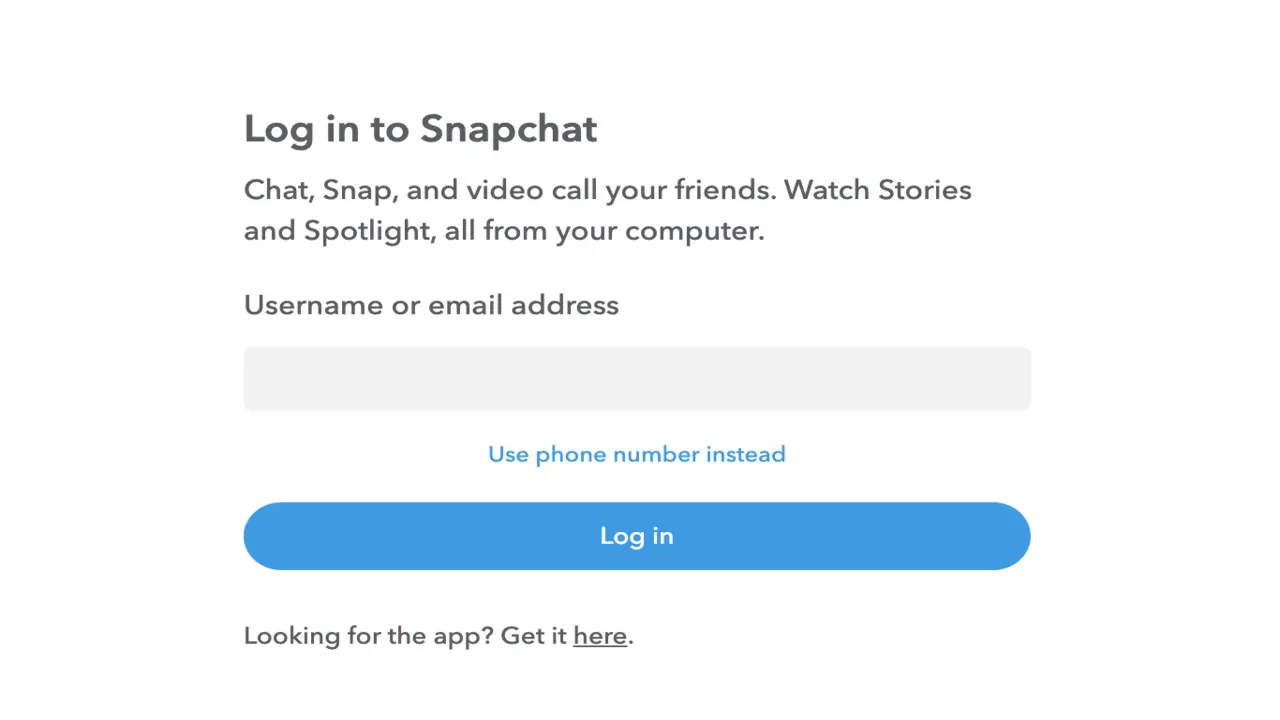
Go to snapchat.com and sign in to your account using your username and password.
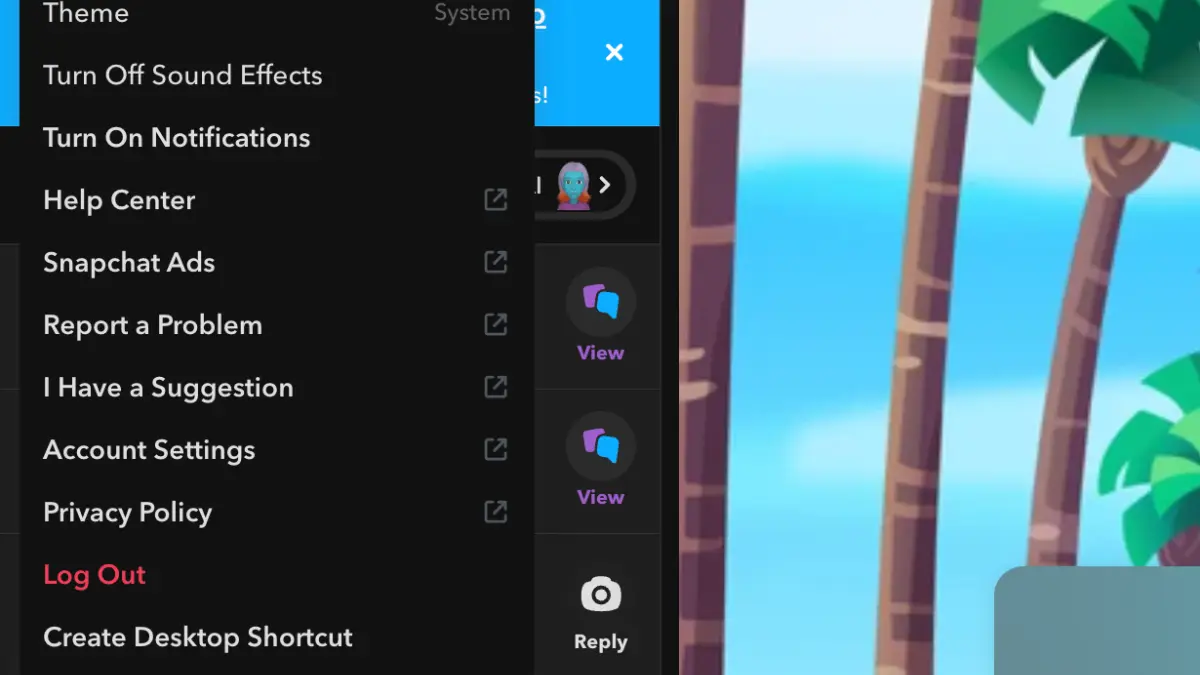
Click on your profile icon, then select 'Account Settings' from the menu to access your account options.
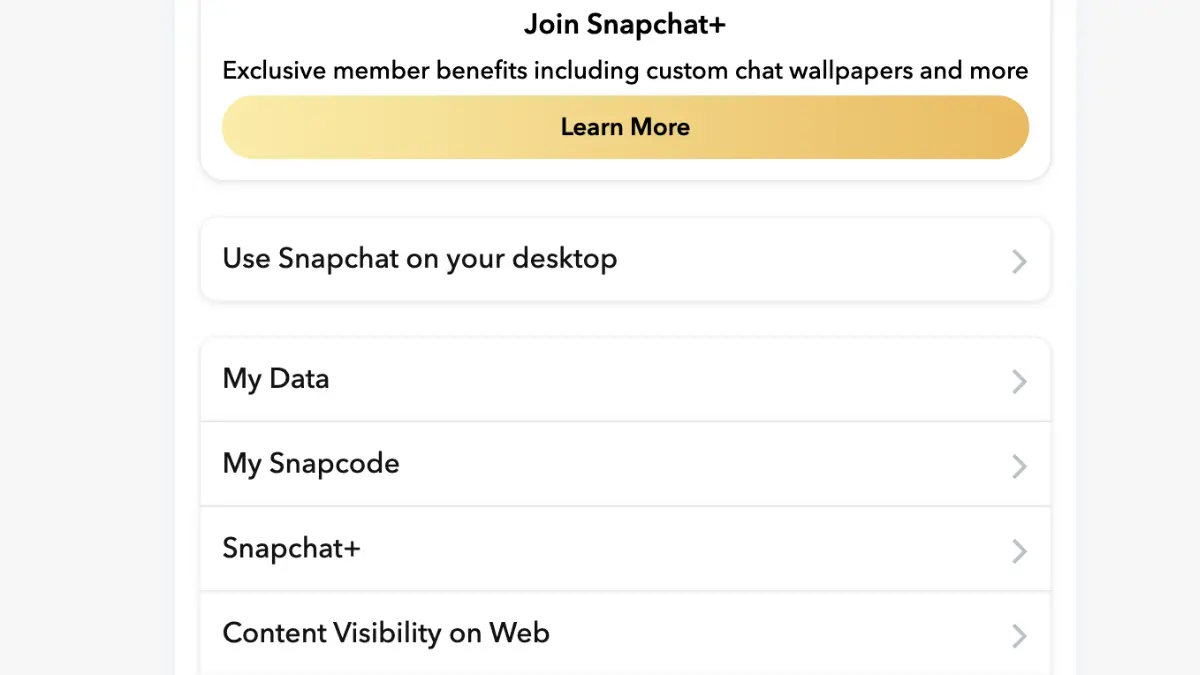
Scroll down to 'My Data' section and click on it. This is where you can request your complete Snapchat data export.
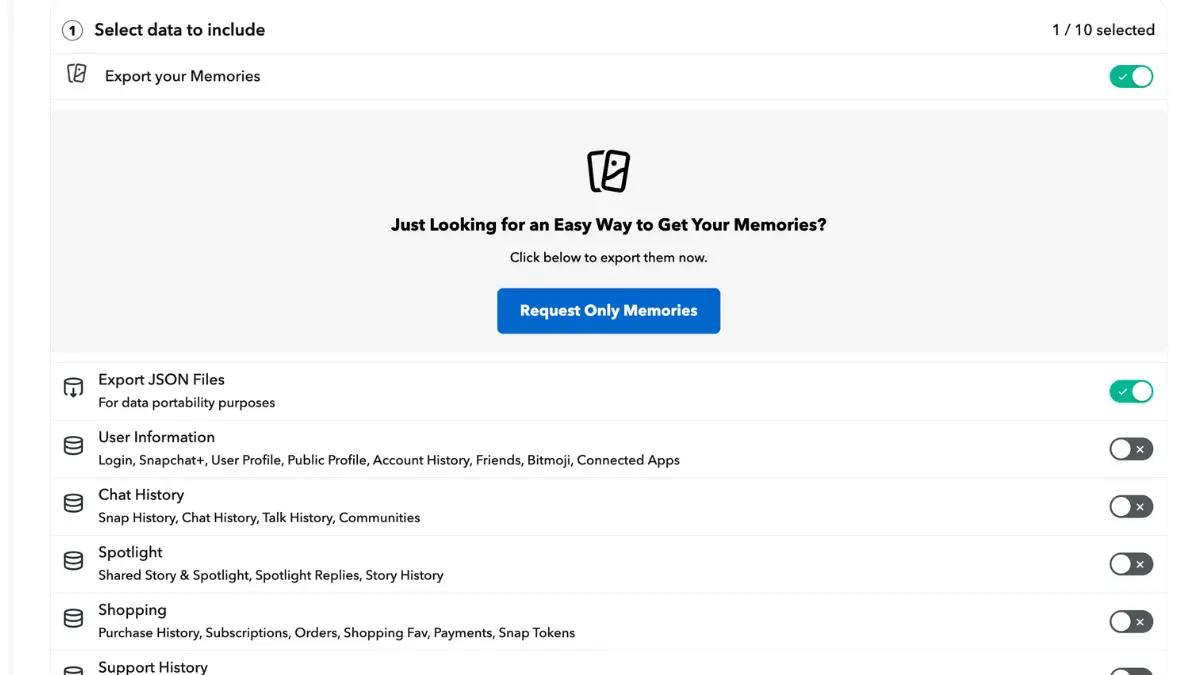
Choose 'Export your Memories' and 'Export JSON Files', select date range 'All Time', confirm your email address, and click Submit. Snapchat will email you when ready (24-48 hours).
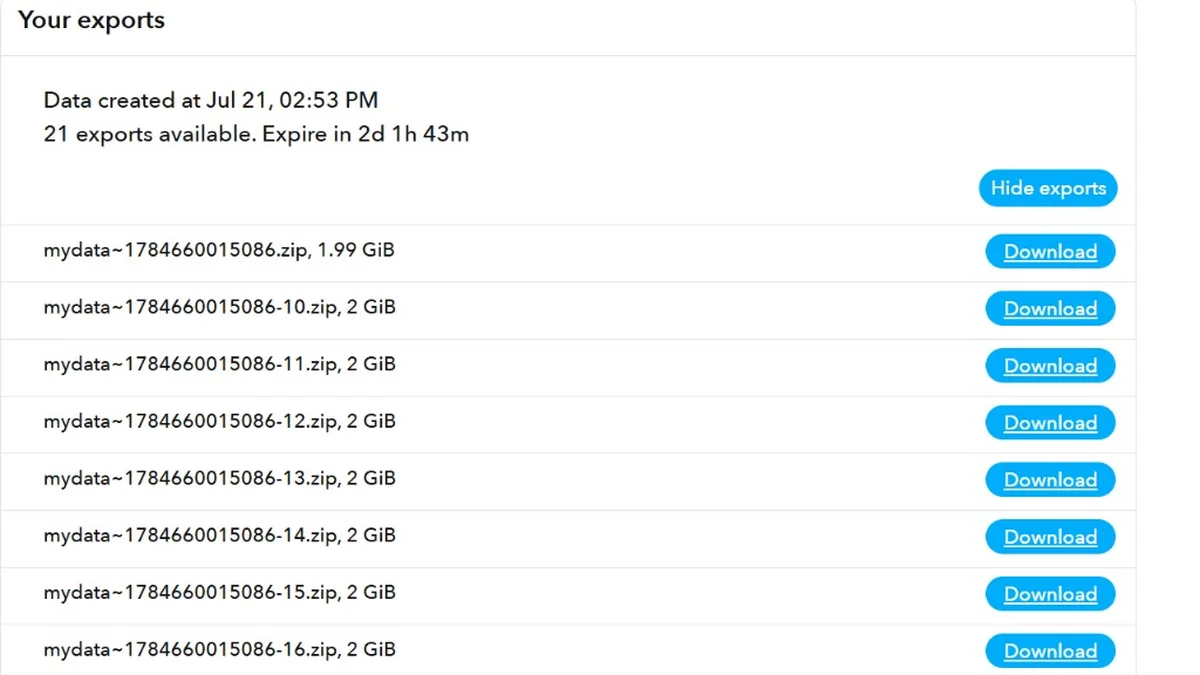
Once you receive the email, return to My Data and download all ZIP files. Snapchat may split large exports into multiple downloads - make sure you download every ZIP before moving on.
After downloading and extracting your data from Snapchat, open FixMyExport, select your primary My Data folder, and process it on your device.
Snapchat might send your export as several ZIP files. Download every one from My Data, then unzip each. You'll get one primary folder plus extra folders named -1, -2, and so on.
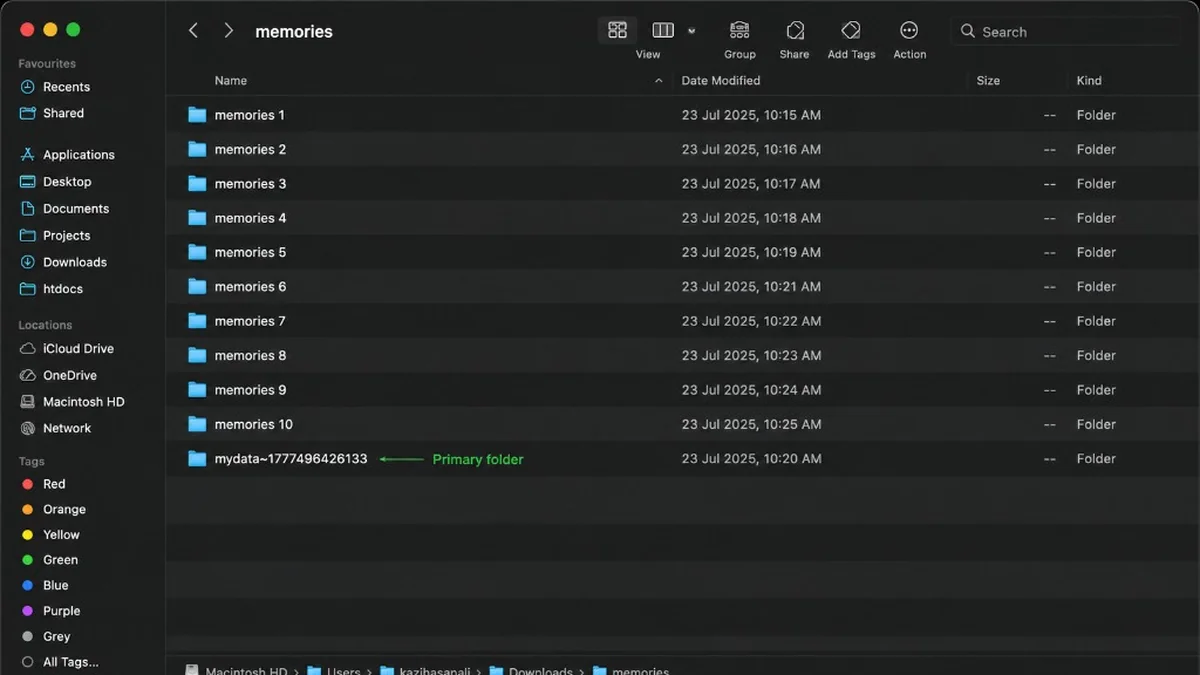
Only got one folder from Snapchat? Skip this step.
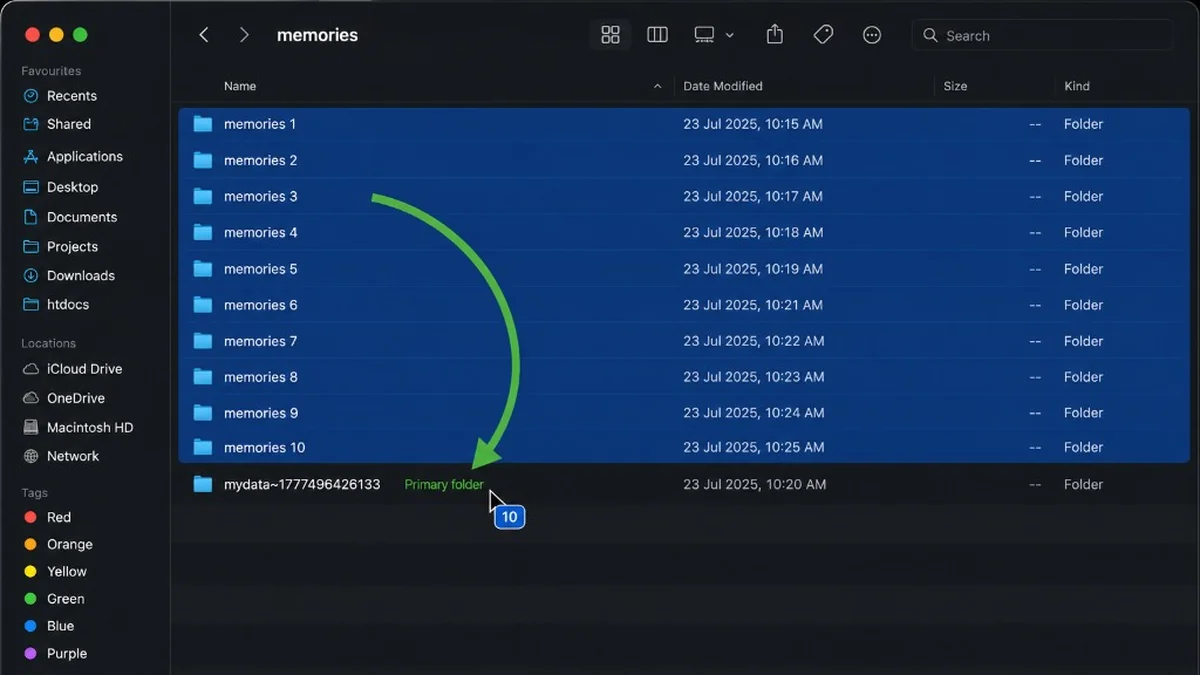
If you have more than one, drag each extra memories folder into your primary folder (the one also containing json and html). Repeat for every extra folder - you don't need to open them or move individual files.
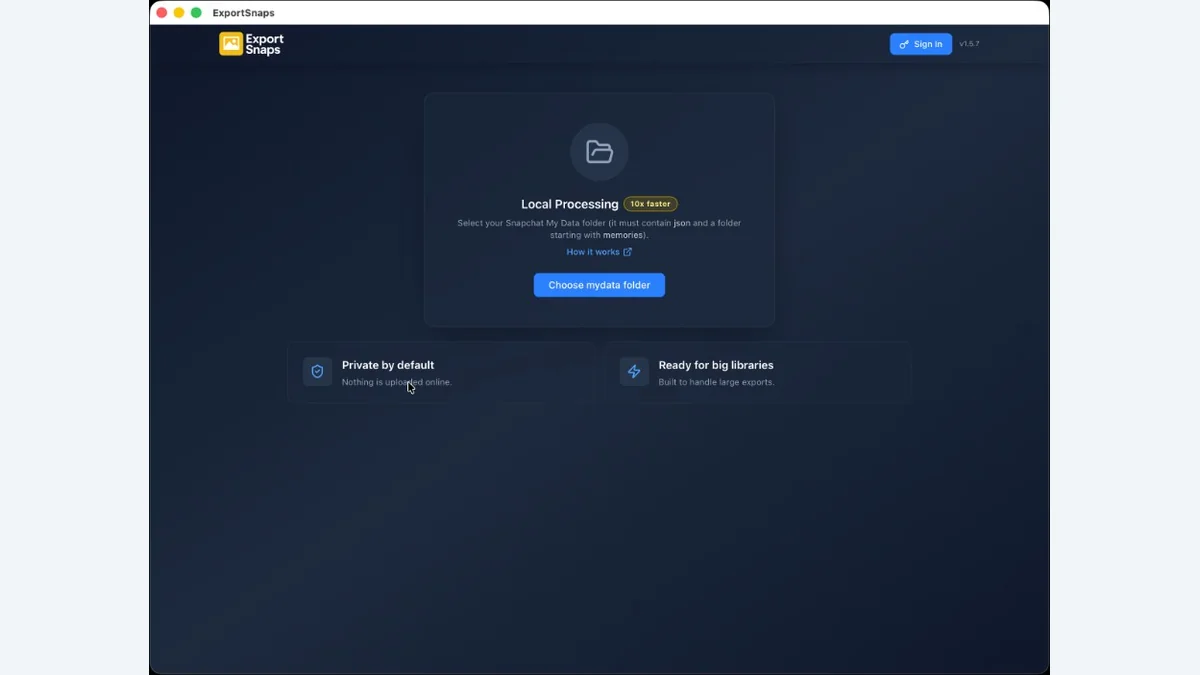
Open FixMyExport and pick your primary folder - the one with your photos, json, and html inside. Don't pick the -1 or -2 folders. When the app finds your files, you're ready to start the export.
Before you export, choose where your photos should go. Save them to a folder on your computer, or send them straight to Google Drive or Dropbox.
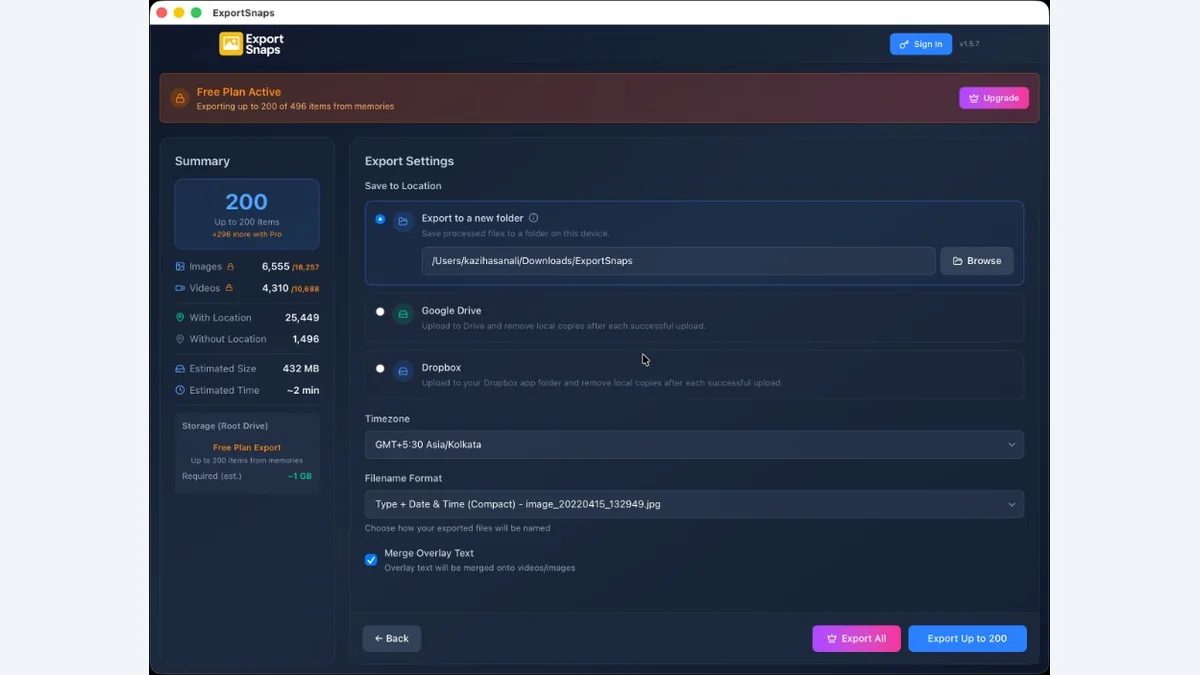
Start export and wait for the progress screen to finish. Date, time, and GPS (when present in the JSON) are written into files where supported. If merge overlay is on, -overlay assets are merged with -main pairs according to your save location choice.
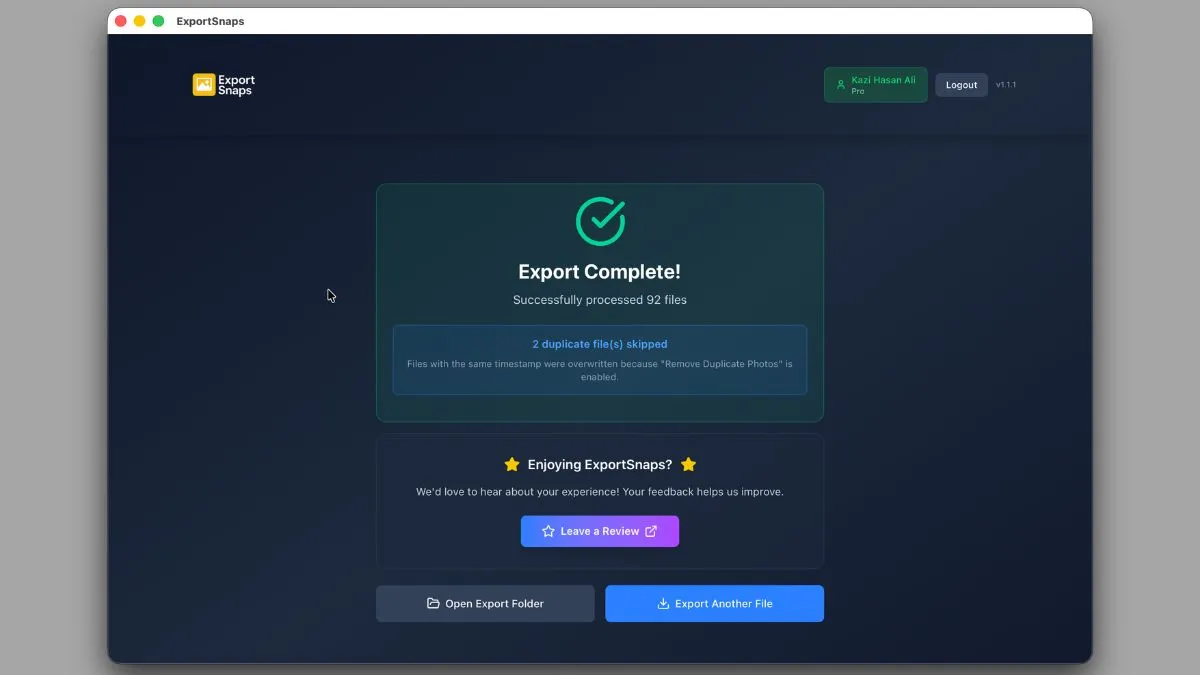
Your media is processed on your device and is never uploaded to FixMyExport servers. When you choose a cloud destination, processed files go directly to your own Google Drive or Dropbox account.
Embeds DateTimeOriginal and GPS coordinates from memories_history.json as standard EXIF tags. Photos sort correctly in Apple Photos, Google Photos, and all gallery apps.
Select the extracted primary My Data folder containing the json and memories folders. FixMyExport matches the local media with Snapchat's metadata without relying on download URLs.
See processing progress and export results in the app. If a run is interrupted, reopen the app and start the export again; interrupted exports do not currently resume.
Processes the original media included in your Snapchat My Data export. When no overlay is available, the original image or video is exported.
Exported Memories appear on timeline views sorted by date and on map views by location in all major photo apps. Perfect for reliving memories chronologically or by place.
Snapchat takes 24-48 hours to prepare your data export after you request it. Once you receive the download link via email, downloading the ZIP file takes 5-30 minutes depending on your data size. Processing with FixMyExport is instant - typically completing in 2-10 minutes depending on how many Memories you have.
Download every ZIP supplied by Snapchat and extract them. FixMyExport needs the full primary My Data folder containing the json folder and a folder named memories (plus any additional memories folders from split exports). Do not select memories_history.json by itself.
FixMyExport does not upload your photos or videos to FixMyExport servers. Processing happens on your device. If you select Google Drive or Dropbox, the app uses temporary local buffering and sends the processed files to your own connected cloud account.
FixMyExport currently processes the selected My Data export as a whole. It does not provide date-range or individual-Memory selection.
Restart the export in FixMyExport. Exports cannot currently be resumed from their previous position. If the problem continues, include the exact error text, your operating system, app version, and support ID when contacting [email protected].
Yes! FixMyExport reads the original timestamps and GPS coordinates from memories_history.json and embeds them as proper EXIF metadata. Your exported photos will sort chronologically in Apple Photos and Google Photos, appear on map views, and display the correct capture date.
FixMyExport shows the estimated size before starting. Generally, photos are 2-5MB each and videos 10-50MB. If you have 1,000 Memories, expect around 10-20GB. Make sure you have at least 1.5x the estimated size free on your hard drive for the ZIP download and extracted files.
You can cancel an export, but pause and resume are not currently supported. To continue after cancelling or closing the app, start the export again.
Restore supported dates and GPS, merge separated overlays, rejoin split videos, and export a usable Snapchat library.
Download FixMyExport